A Piece of Cake Designs A Piece of Cake Designs home FAQs view cart
Showing posts with label rachel hodge. Show all posts

Sunday, 25 January 2015

STORE NEWS SUNDAY - January Releases and a Project Life Share


Hello everyone!

Welcome to todays Store News Sunday post. Today I have two reasons for posting; one is to share with you about the awesome things happening in the APOCD store, and the second is to share an AMAZING Project Life spread by the lovely and talented Jodie from Polka Dot Creative. 


Firstly, our January Main Kit sold out super quick so unfortunately that is no longer available. We still have a couple of these cupcake kits left though. Let me tell you there is SO MUCH value in this bitty kit; the double scoop gelatos, the whole die cut pack, heaps of papers and so much more! 

You can snag one up here 


This month we also have the most amazing cut file sets, I am just totally loving them!

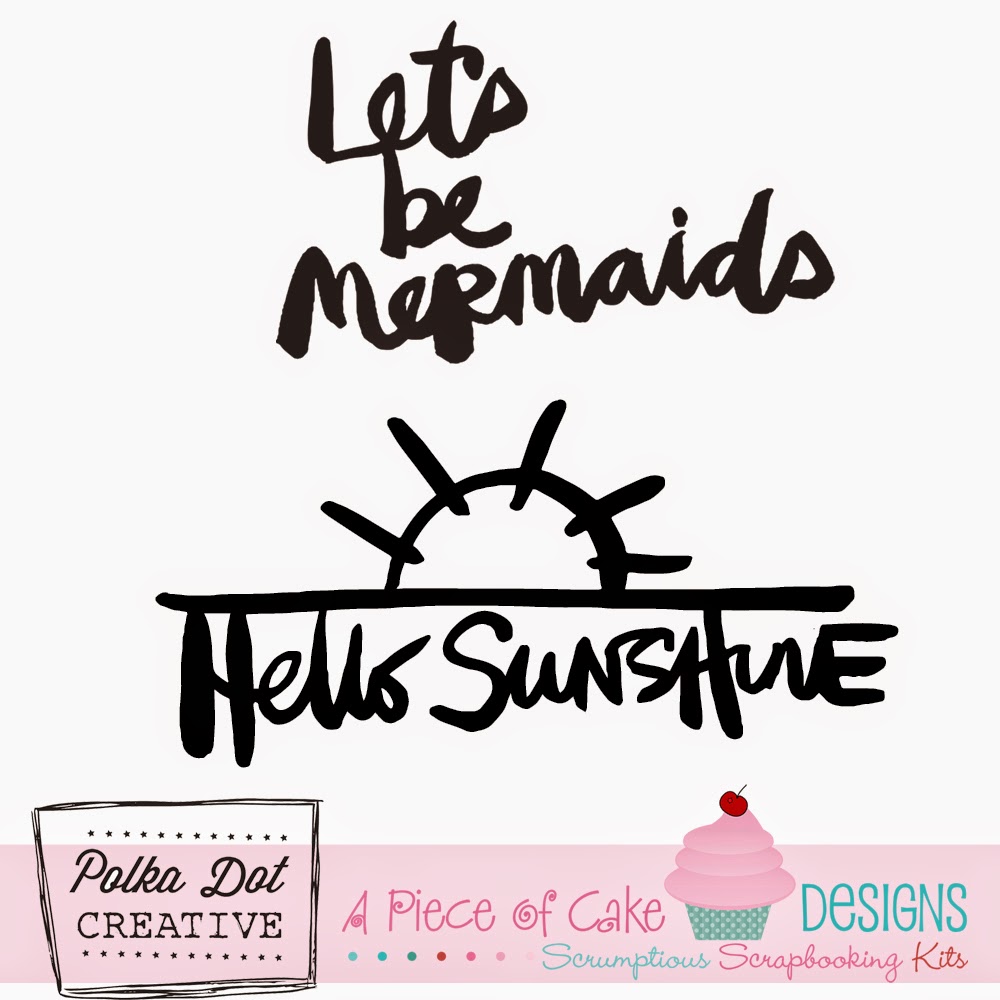
The following are designed by Jodie from Polka Dot Creative. If you keep reading this post you will also see some gorgeous pages she has created by using the brush files (.abr files) available when purchasing. 

This one is perfect for any celebrations that you may have, new year, birthdays, weddings, Australia day, etc.

That wine glass! So adorable x


A set just for Australia Day, I am picturing these as brushes on photos, they would just look amazing. 


And finally, Hello 2015, a set perfect for your title page, new years pages and more!


We also have two releases from the talented Rachel Hodge. These sets were created with a Back to School theme in mind. I just love the elements Rachel has managed to include, the pencils and stars are a personal fave! 

This set can be used to create Project Life cards for your album, or you could even use them on a traditional page, mini album etc. Did you see Nat's awesome post using these yesterday?  


Before I leave today I wanted to finish up with a layout share from Jodie, using the designs that she scripted on her pages. 

Looks like she had a little help to photograph!

On this particular page she has used the Hello 2015 brush script files and the Clink Click set. 


Here is a better view of the scripted files :) The black and white and pops of colour from the photos really makes this layout stand out!


And some super detailed shots:


My personal fave; cheers! x


Awesome hey! These files and more can be found in our store www.apieceofcakedesigns.com.au 

Thanks for visiting, I hope everyone is having a beautiful weekend.


Sunday, 16 November 2014

STORE NEWS SUNDAY - November Releases


Todays update is all about our November releases. I am so very proud of this months kits, I just adore every little bit of the kits contents. Plus we have 2 new flair releases and and abundance of digital releases for November :) 

So lets get started -

Our Main Cake kit for November


This includes the latest Maggie Holmes 'open book', Amy Tangerine 'Stitched' collection as well as some papers from Jillibean Soup. There are also 2 speciality papers; a speciality vellum and a kraft paper. 


Our November Cupcake Kit:


This kit highlights the gorgeous 'September Skies' collection from Heidi Swapp. It contains a whole ephemera pack and also a 12x12 Template from Kaisercraft that is so awesome and versatile.  


The 12x12 template included.

You can purchase the November Cupcake kit here

Below are the newest Christmas Cherry Flair releases. I have a couple more designs for christmas in the works but these are the first of them :)


The Cherry Flair can be found here instore

Lastly we have our digital store releases for this month! So much goodness here! Don't forget that most files can be used on all cutting machines and some even include Photoshop Brushes too which you can use to edit your photos like the how to video I created here 


Below are the new digital files now available for instant download :)


So much goodness and so much inspiration from our awesome designers coming up! 

Stay tuned

Raquel xxx


Saturday, 8 November 2014

DIGI STORE SATURDAY - Natalie May; Cutting the new digi files


Hi there!

Today I'm going to show what works for me when it comes to cutting the new digi files that are available in store!

How cool are these?

I'm a messy scrapper and never have the room to have my Cameo set up ready to go if I need something for a project so what I do is pre-cut and store for later!


I imported my files to my library and created a folder called APOCD where I knew I could easily access them and keep them all together.

I then opened a new doc and filled the 12x12 with the files I wanted to cut. I put as many on there as I could so that it utilized the paper.


I am using white flat cardstock as it can be coloured and is easily adaptable to any of my projects.
Once I sent it to cut, I went off and did a few jobs and came back to a nearly beautifully cut sheet - I need a new blade (husband has been cutting vinyl with the machine which I now realize has made the blade quite blunt)


To remove them from the mat, I lift the edges with a knife and then use a Couture Creations Lift Off tool to peel the rest up.


I tend to peel off my cuts first leaving the backing on but then use the Lift Off tool to scrape the rest off the mat! Works really well to get your mat nice and clean again!


Once I have them all cut, I store them in a pizza box between baking paper so that they stay flat and are easily accessible.


So that's what works for me!

Everyone is different and I am still learning to use my machine and fine tune my settings!
What settings do you use for Cardstock & Watercolour paper? What works for you?

And how do you store your cuts?
I'd love to hear some suggestions!

Have a great day!
Natalie May

Sunday, 2 November 2014

STORE NEWS SUNDAY - Digi Store new release and 'How to'...


Hi everyone,

Welcome to todays Store News Sunday post.

Today I am here to share with you our latest product available in our digital store. This Racing set designed by Rachel Hodge and perfect for documenting all Spring Racing events. 


This file includes the following file types; dxf, svg, pdf, jpg and abr files. 
It is available for purchase here

I decided to start creating some 'How to' videos for APOCD. The first video is one which features elements from our Digital Store, our brush files. In this video I show you how to use the Photoshop Brush files on your photos. 

The following files were used in this video (click the images to visit the store)


Thanks for visiting the blog today, we have an exciting week of posts coming up…so keep checking back 

Raquel x
 
A Piece of Cake Designs Blog, All Rights Reserved
Blog Theme by Mod Melon Creative